
Isaac Lab
GPU-parallel reinforcement learning
 wano®Robotics
Describe a robot task once in Wano Studio. Wano Framework compiles it to Isaac Lab, MuJoCo, Gazebo and Webots, records LeRobot-ready datasets, and deploys trained policies to real ROS 2 robots. Local-first.
Works with the stack you already use
Isaac Lab MuJoCo
 Robot simulation
 2
2 Datasets & training
Follow one cube from a desk photograph to a real robot. See how a scene becomes variations, variations become data, and data becomes a learned skill.
Follow the experience“Pick up the cube and place it in the tray.”
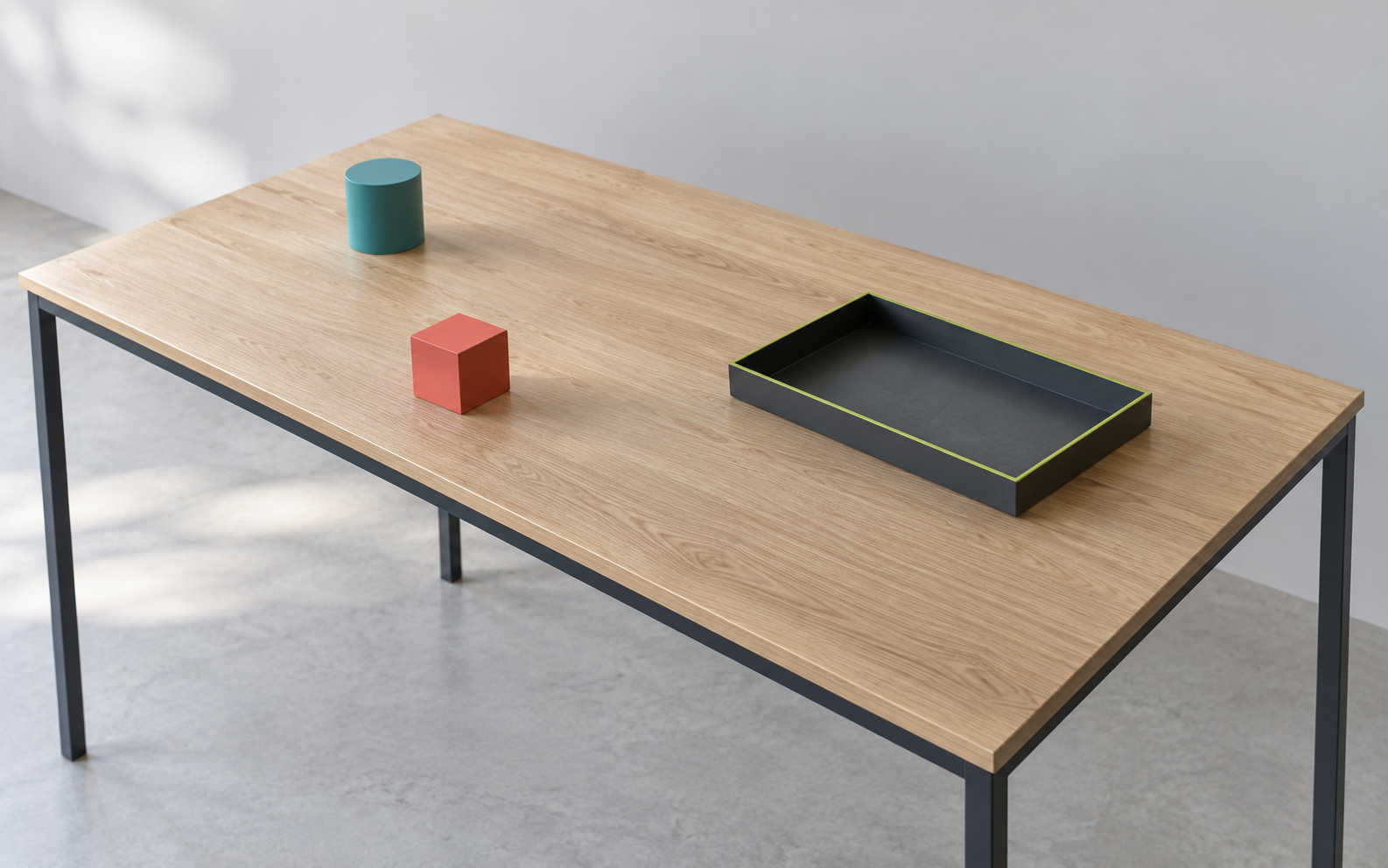
Take a photograph of a desk. AI identifies the objects and their arrangement, then rebuilds the workcell using editable 3D assets from the library. Refine the geometry, physics and task zones in the studio.
Desk photograph
Editable 3D blueprint
Desk photograph
Editable 3D blueprint
A table stays a table. The cube, blue cylinder, tray and surrounding space become objects the simulator can work with.
 SCENE INPUT
A photograph becomes a scene.
A video captures a hand picking up an object and placing it in a tray. Identify the hand, the manipulated object and the action over time. Reconstruct the scene, then retarget the gesture to the robot in simulation.
Human demonstration video
Robot motion in simulation
Human demonstration video
Robot motion in simulation
Synthetic teleoperation: demonstrations generated from video, without manually driving the robot for every take.
The same object. The same intent. A new embodiment.
One demonstration branches into a family of variations. Change the cube’s colour, the tabletop, the wall, the object positions or the motion path. The goal stays the same: put the object in the tray.
One reconstructed demonstration
Task-preserving variants
One reconstructed demonstration
Task-preserving variants
Appearance, placement and movement vary together. Every branch adds another way to learn the same skill.
A family tree of experiences.
Send the scene and its variants to the GPU. Parallel virtual environments replay the behaviour under different conditions. Each environment produces its own observations, actions and outcomes.
Blueprints + GPU compute
Parallel simulation episodes
Blueprints + GPU compute
Parallel simulation episodes
The workstation authors the scene. The GPU scales the experience. More environments mean more opportunities to collect useful episodes.
Compute fans out. Experience multiplies.
Every accepted episode becomes a synchronized sequence: what the robot saw, what it did, and the instruction it followed. Review the trajectories and keep useful examples before exporting the dataset.
Simulation recordings
Curated synthetic dataset
Simulation recordings
Curated synthetic dataset
Images, actions and language stay aligned. Export in the formats your training stack expects, including LeRobot, HDF5 and RLDS.
Different streams. One aligned record.
Bring a pretrained vision-language-action model and the curated dataset together on the GPU. Fine-tuning adapts the model to the task, its objects and the robot’s actions. Follow the run and keep its checkpoints.
Dataset + pretrained VLA
Task-adapted model weights
Dataset + pretrained VLA
Task-adapted model weights
Vision describes what the robot sees. Language describes the goal. Action is what the robot does next.
Fine-tuning and deployment use model-specific data and robot adapters.
Data changes the weights. The weights change the behaviour.
Run the trained policy in held-out environments. Change colours, positions and trajectories again, then inspect whether the robot still completes the task. Use the failures to decide what to record or train next.
Adapted policy + unseen scenes
Evaluated robot behaviour
Adapted policy + unseen scenes
Evaluated robot behaviour
A policy should handle new conditions, not simply replay a familiar frame. Validation closes the loop before deployment.
New conditions. The original goal.
Export the evaluated policy and connect it to the real robot through the deployment runtime. The robot observes its surroundings, receives the task instruction and predicts the actions that move the object into the tray.
Validated skill + task instruction
Real-world robot action
Validated skill + task instruction
Real-world robot action
The learned skill runs on the robot: camera images and a task instruction go in, joint actions come out. The robot repeats this loop as it moves.
The same task, all the way to the real world.
Describe your robot, scene, sensors and task once. Wano compiles that same blueprint for Isaac Lab, MuJoCo and Gazebo, and generates a ready-to-run ROS 2 package for real hardware.
wano®RoboticsFRAMEWORKOne task. One editable description.
GPU-parallel reinforcement learning

Fast, contact-rich physics
ROS-native robot simulation
2A ready-to-run ROS 2 package.Bring the same robot and task into the real world.
Change the blueprint, not four codebases.
The blueprint is the editable description Wano uses to generate the simulator-specific files. Change a robot, a sensor or a task in one place.
# One source of truth.
task: pick_and_place
robot: so_arm100 # 1 of 150
sensors: [cam_top, cam_wrist]
targets: [isaac_lab, mujoco, gazebo, ros2]Every simulator has its own scene format. Every dataset format needs manual conversion. Sim-to-real is a separate engineering project. A single manipulation task means gluing together Isaac Sim, Python training code, dataset tooling and ROS 2 — by hand, every time.
URDF, MJCF, USD, SDF — each one re-authored by hand.
Every training stack expects its own layout and stats.
The ROS 2 package is written twice: once in sim, once for real.
Isaac Sim + Python + dataset tooling + ROS 2, re-wired per task.
Every screen below uses the Wano Studio light interface, populated with one coherent robotics workflow.
Drop a table, props, lights and cameras into the scene, place them with the gizmo, and set the task zones. Everything you place is written into the blueprint — the single declarative source the studio compiles from.
Arms, mobile bases, quadrupeds, humanoids, hands and drones ship with the studio, each with its actuators, sensors and meshes already resolved. Import your own from a URDF or MJCF file when the catalog doesn’t have it.
Choose the behavior, robot and environment while the live recap stays in view. Wano checks the composition as you go, then seeds the complete mission — task zones, success condition and training branch included.
Drive the robot from one cockpit while the 3D workcell, controls, telemetry and latest takes stay visible together. Every accepted motion becomes a synchronized episode ready for review.
One timeline drives the 3D replay, task phases and synchronized signals. Review the motion, inspect the active steps and accept or reject the take with the evidence still on screen.
Launch a training run from the curated data, then follow convergence and compare every run. Progress, checkpoints and GPU state stay beside the metrics, so the run is readable without leaving the studio.
Robots and scenes from the formats you already have.
Datasets and policies in the formats training stacks expect.
Trained policies talking to real hardware.
Arms, quadrupeds, humanoids,
hands and mobile bases.
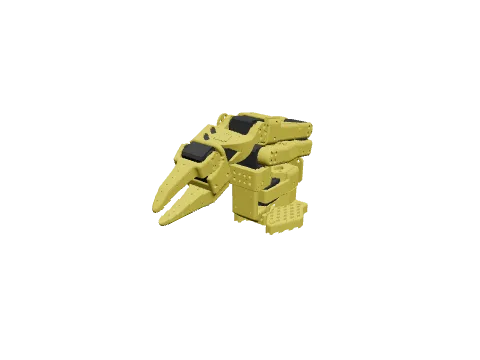
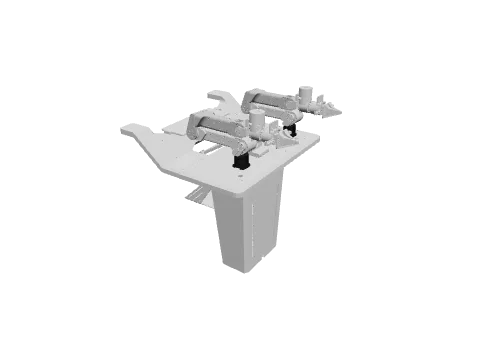
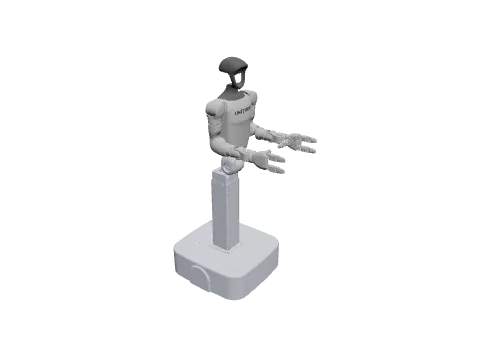
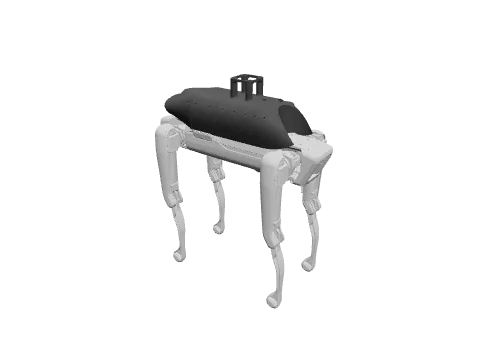
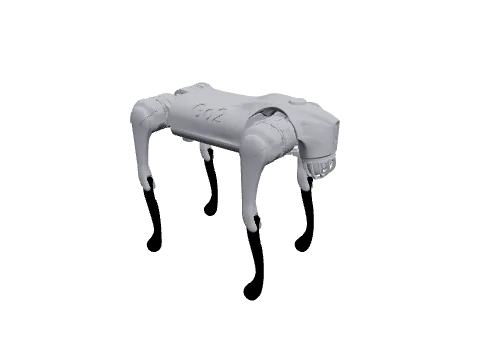
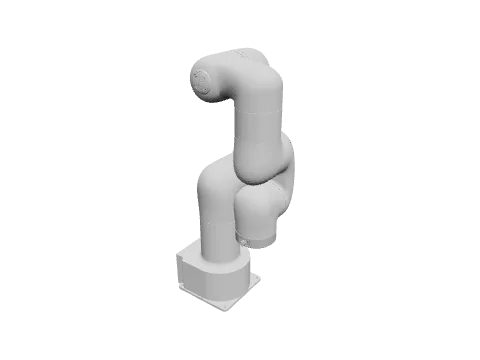
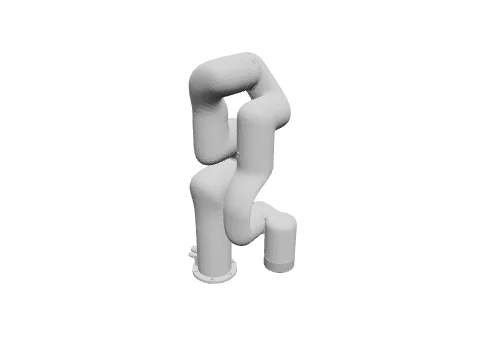
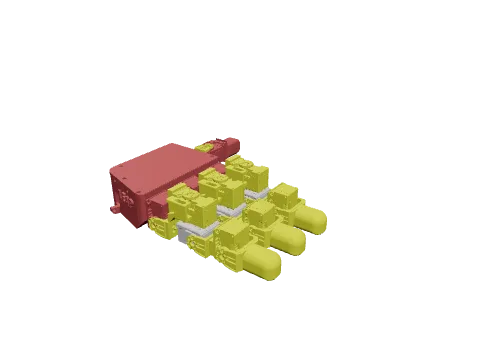
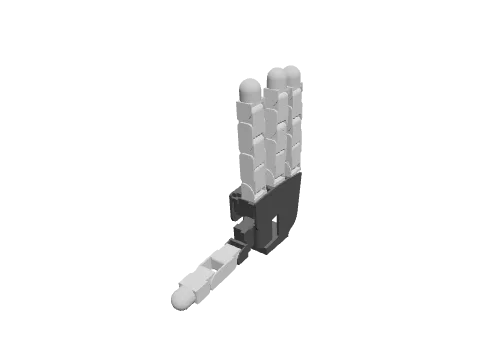
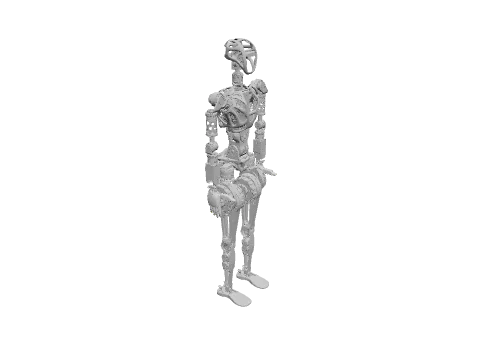
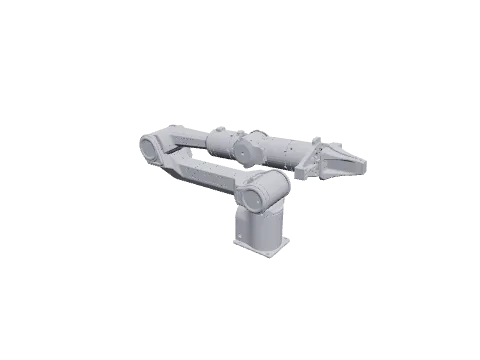
150 models, ready to use — or import your own URDF or MJCF.
Your models, your GPUs, your data. Everything runs on your machine — nothing leaves it. The architecture is already split for a SaaS tier, but local is the product, not the demo.
39 MCP tools expose the whole studio to AI agents. A Guard Engine validates every agent action before it touches your scene, your dataset or your robot.
Isaac Lab, MuJoCo, Gazebo, Webots, plus MuJoCo WASM and Rapier in the browser — from one declarative source. Cross-validate physics instead of trusting one engine.
196 test files. Real torch networks driving simulated robots. Real ROS 2 Humble driven by generated code. Every claim on this page is a passing test, not a render.
Wano ships local-first: your machine, your GPUs, your data. When a run outgrows the workstation — a hundred parallel environments, a full fine-tune — the studio connects to managed GPUs from the same window. Same blueprint, same datasets, nothing to re-learn.
PLANNED AFTER THE LOCAL RELEASEAuthor, simulate and record locally. That never stops working, with or without an account.
Point the run at managed GPUs. No cluster to provision, no YAML, no DevOps on your side.
Datasets and checkpoints come back where you left them, ready to deploy to the robot.
Opt-in by design: nothing leaves your machine unless you send it.
Shipped, in progress, and what comes next.
Two quarters already in your hands; the third is landing now.
Web studio · 3D scene editor · Isaac Sim streaming
Wano Framework: blueprint → multi-sim · MCP server + Guard Engine · 150-robot catalog
Multi-sim Docker E2E · multi-robot instancing · domain randomization · LeRobot / GR00T / HDF5 / RLDS datasets · episode viewer · GPU fine-tuning
Early access · VR teleoperation (Quest 3, CloudXR) · SaaS tier
Questions engineers actually ask.
No. MuJoCo, Gazebo and Webots are first-class targets, and two physics engines run directly in the browser (MuJoCo WASM, Rapier). Isaac Lab is one of six targets — the one you’ll want for GPU-parallel RL.
No. Scenes, datasets, model weights and training runs stay local. A SaaS tier is planned for teams that want managed GPUs — it will be opt-in, not the default.
150 models ship in the catalog — arms (SO-ARM100, ALOHA 2), quadrupeds (Spot), humanoids and more. Anything with a URDF or MJCF can be imported.
Yes. Generated Python, ROS 2 packages and datasets are plain files on your disk, in standard formats (LeRobot, HDF5, RLDS). No lock-in by construction: if you stop using Wano, the code still runs.
Q4 2026, in small cohorts. ROS 2 developers, Isaac Lab users and LeRobot teams get priority. Register below and we’ll be in touch.
Small cohorts. Priority to ROS 2, Isaac Lab and LeRobot teams.
Subscribing to the WanoRobotics newsletter.